
Features
Connections
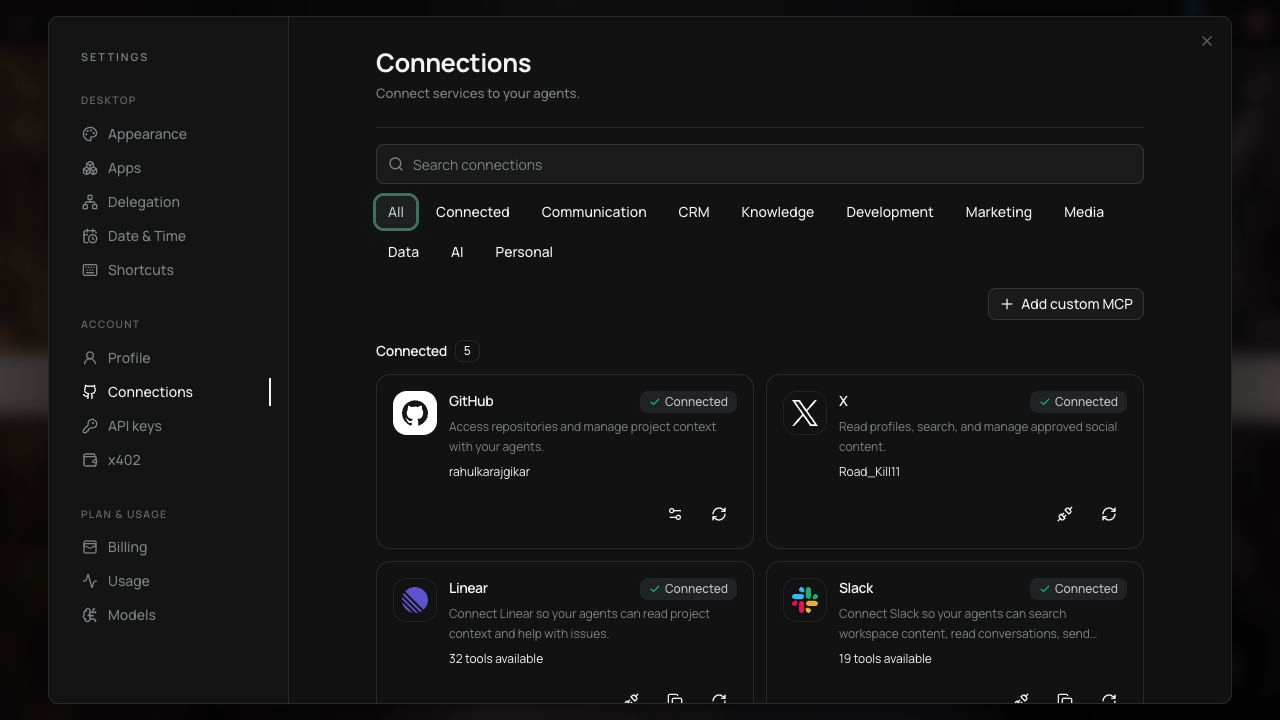
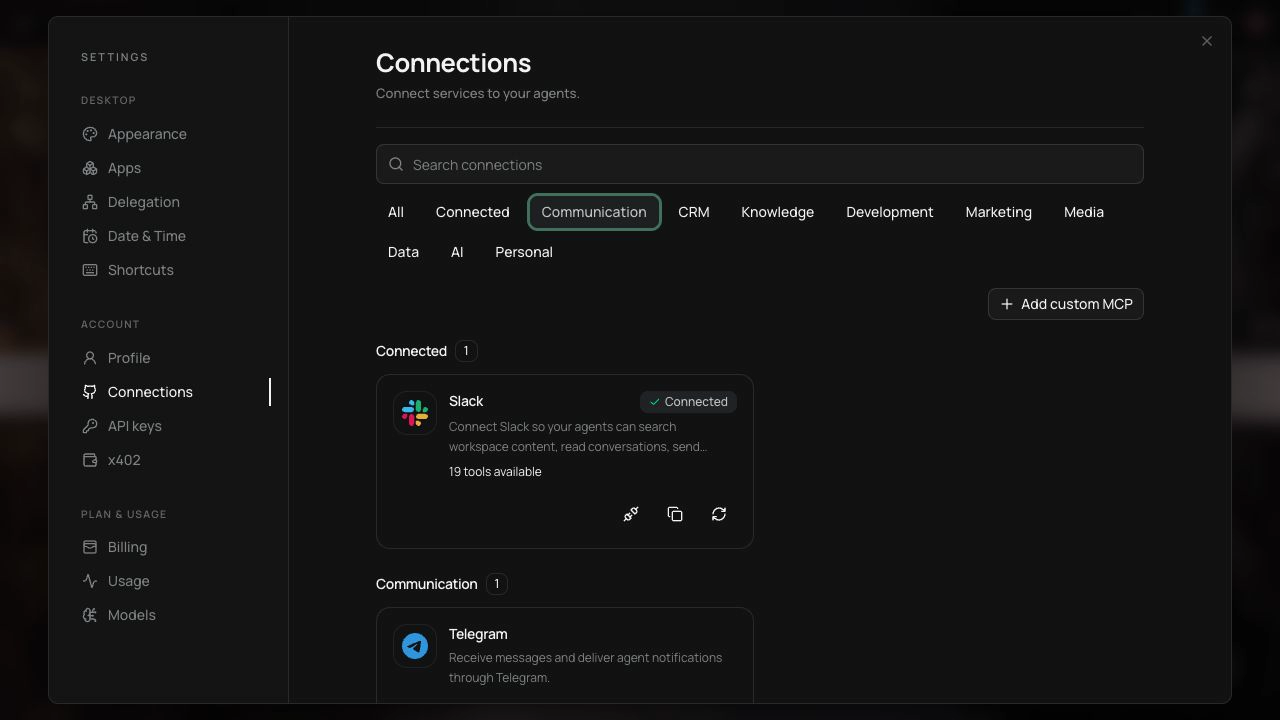
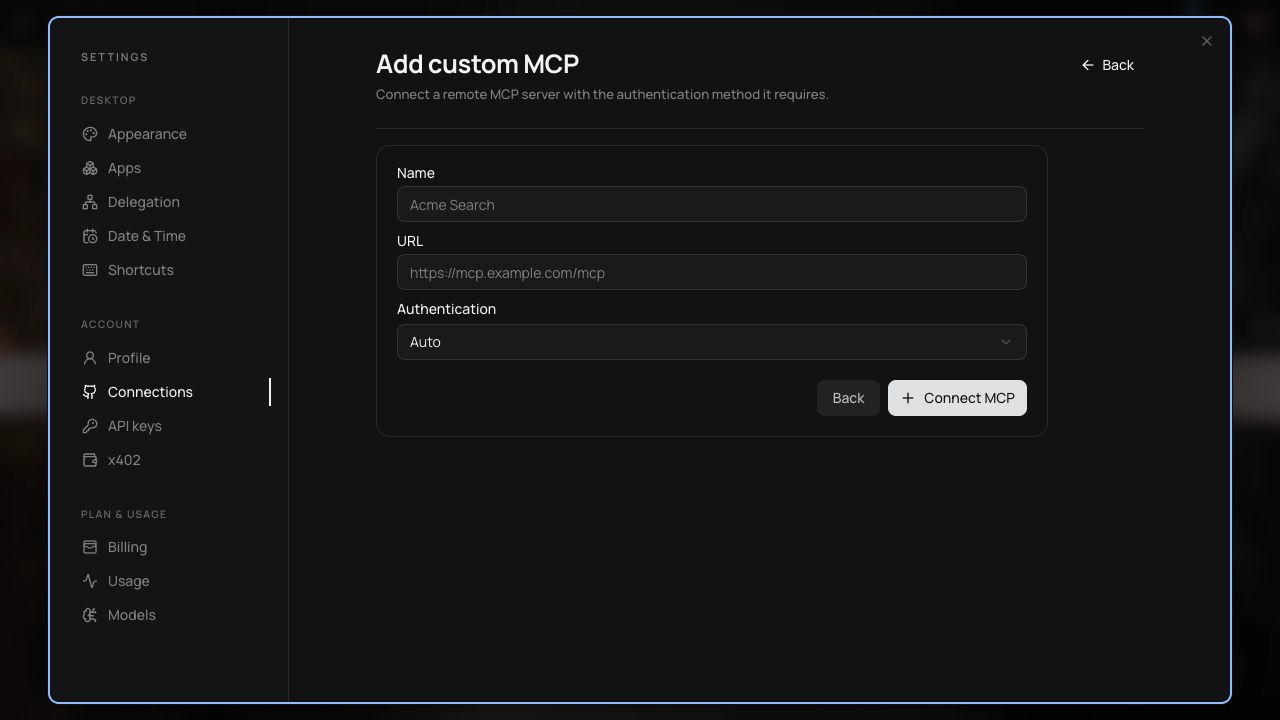
Connect Dexto to the services you already use.Connections are how Dexto accesses the apps and services you use. Dexto includes more than 50 built-in integrations and can also connect to any custom MCP server. To connect a service, open Connections settings. You can also ask Dexto to connect a service for you.
Dexto automatically discovers the tools that a connected service offers.
You stay in control of which accounts are connected and can remove connections anytime.
What you can connect
Section titled “What you can connect”Here are some popular examples for connections:
| Category | Examples |
|---|---|
| Communication | Slack, Telegram |
| CRM | HubSpot |
| Knowledge | Notion |
| Development | GitHub, Linear, Railway, Sentry, Todoist |
| Marketing | LinkedIn, X |
| Media | YouTube, Excalidraw, Higgsfield |
| Data | PostHog, Supabase, Stripe |
| AI | Hugging Face |
Connect Dexto MCP to Claude/Codex
Section titled “Connect Dexto MCP to Claude/Codex”Dexto also exposes an MCP server so that you can control Dexto from AI clients like Claude, Codex, and Cursor. Check out the MCP setup guide to connect via MCP.