Features
Artifacts
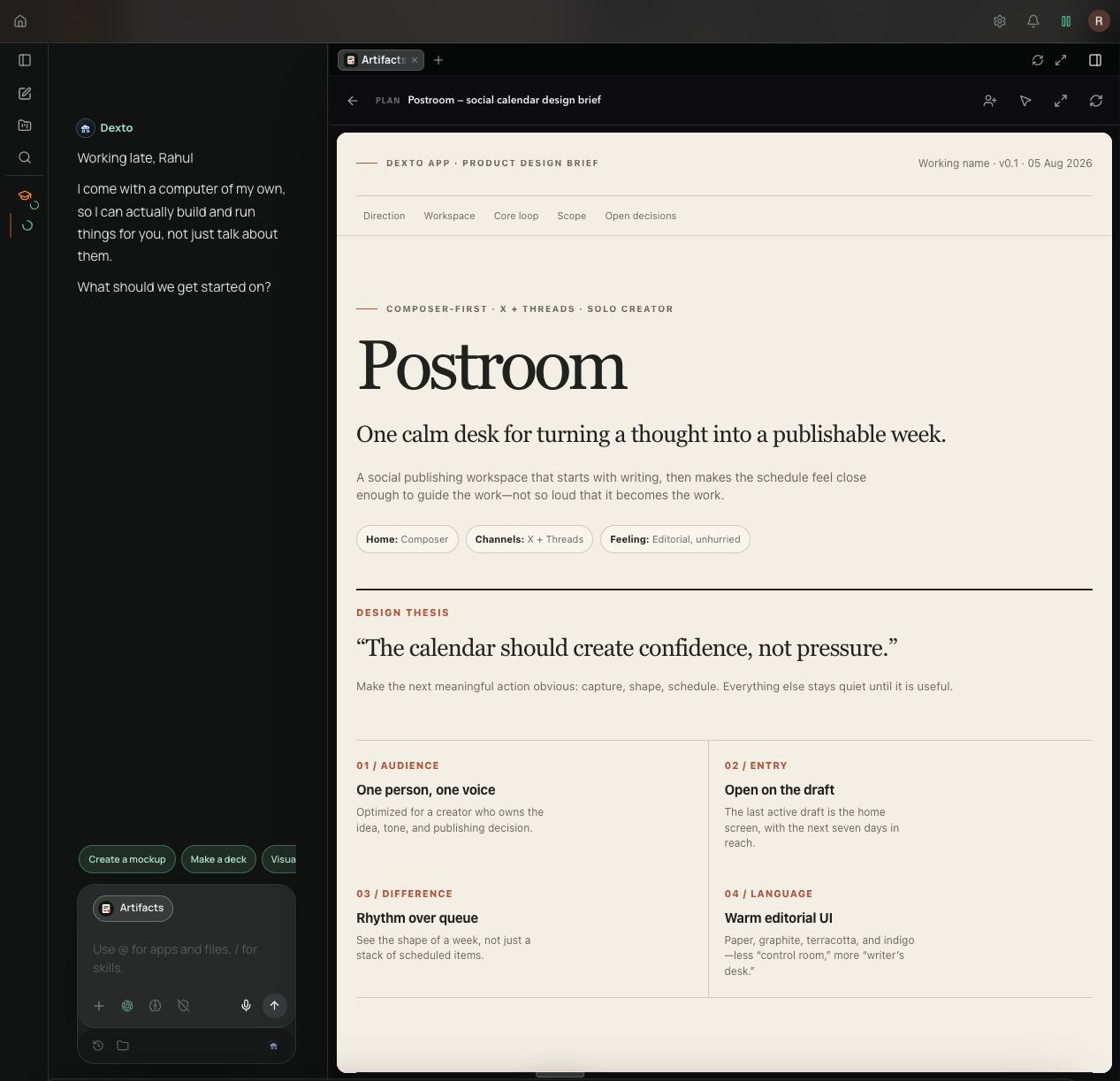
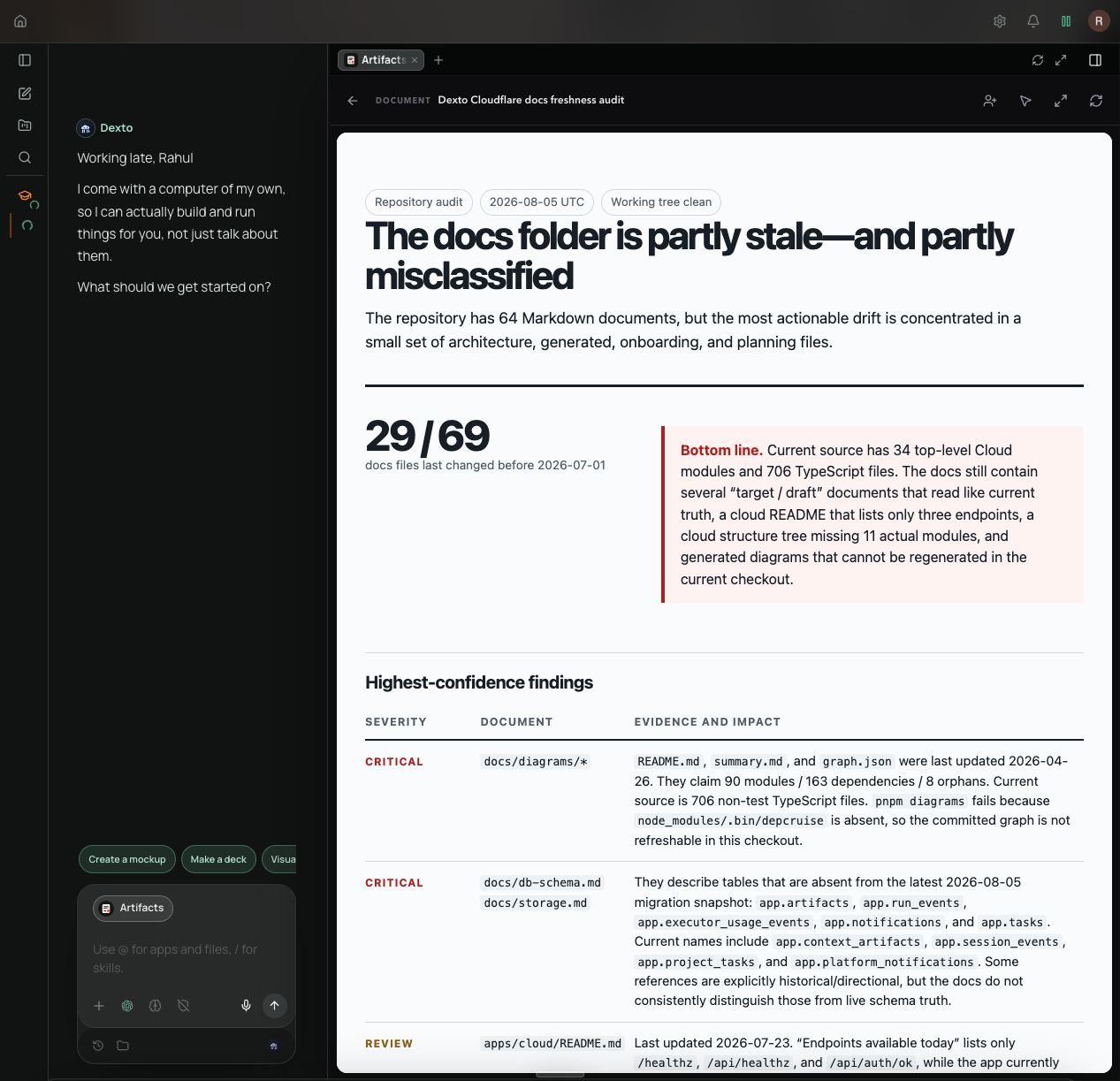
Give agent work a visual form you can review, use, and keep.Artifacts are rich visuals that an agent can create for you. Instead of returning everything as a long chat message, Dexto can turn the result into a designed document or interactive visual that is easier to understand and use.
Artifacts are built with HTML, which gives them their own layout, styling, and interactions. They can combine text, tables, charts, images, links, buttons, forms, and other elements in one place.
Dexto automatically creates artifacts when it needs to present content, plans, proposals, or other visual information. You can also ask Dexto to create an artifact explicitly.
What artifacts can look like
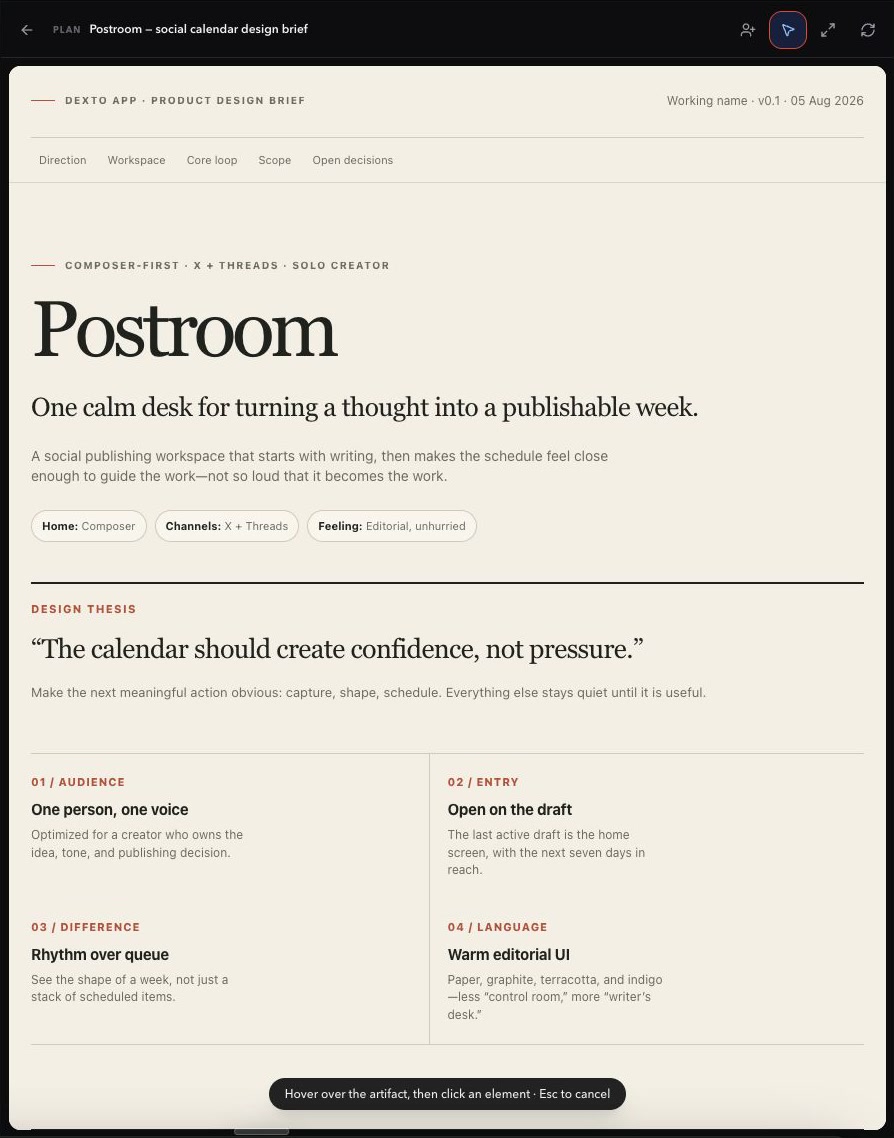
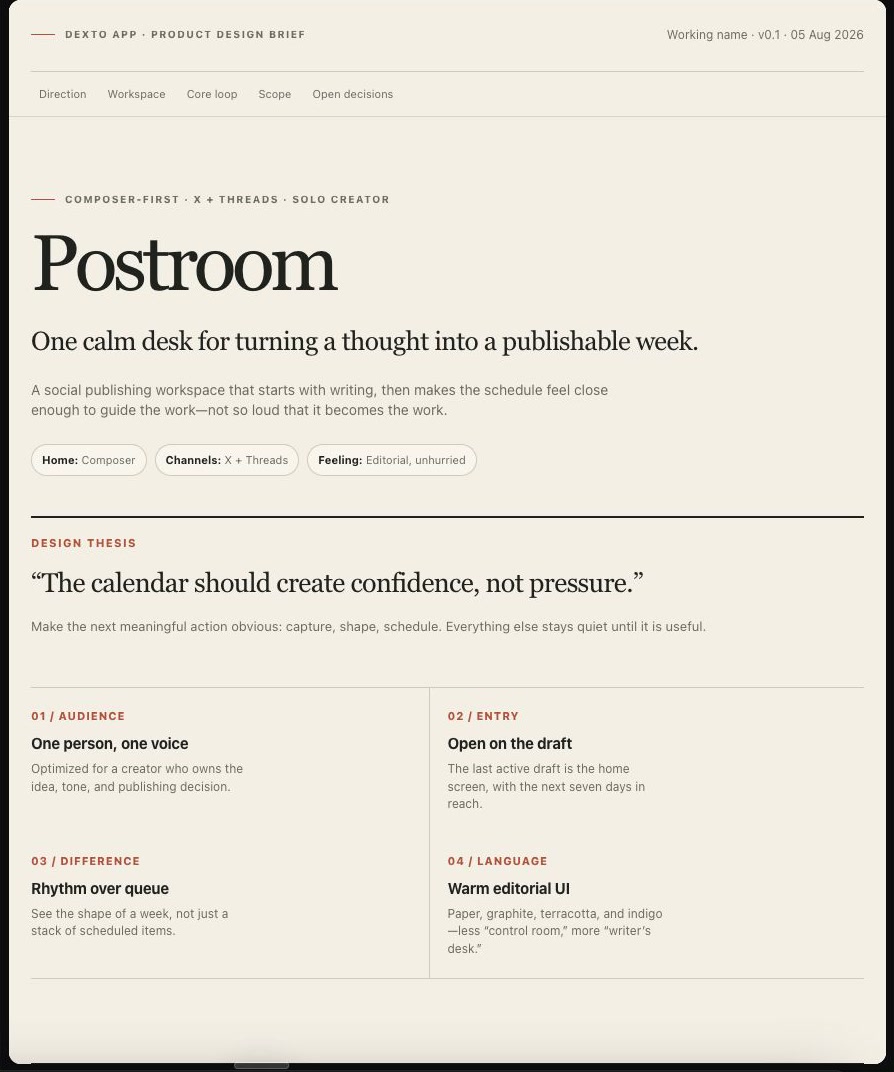
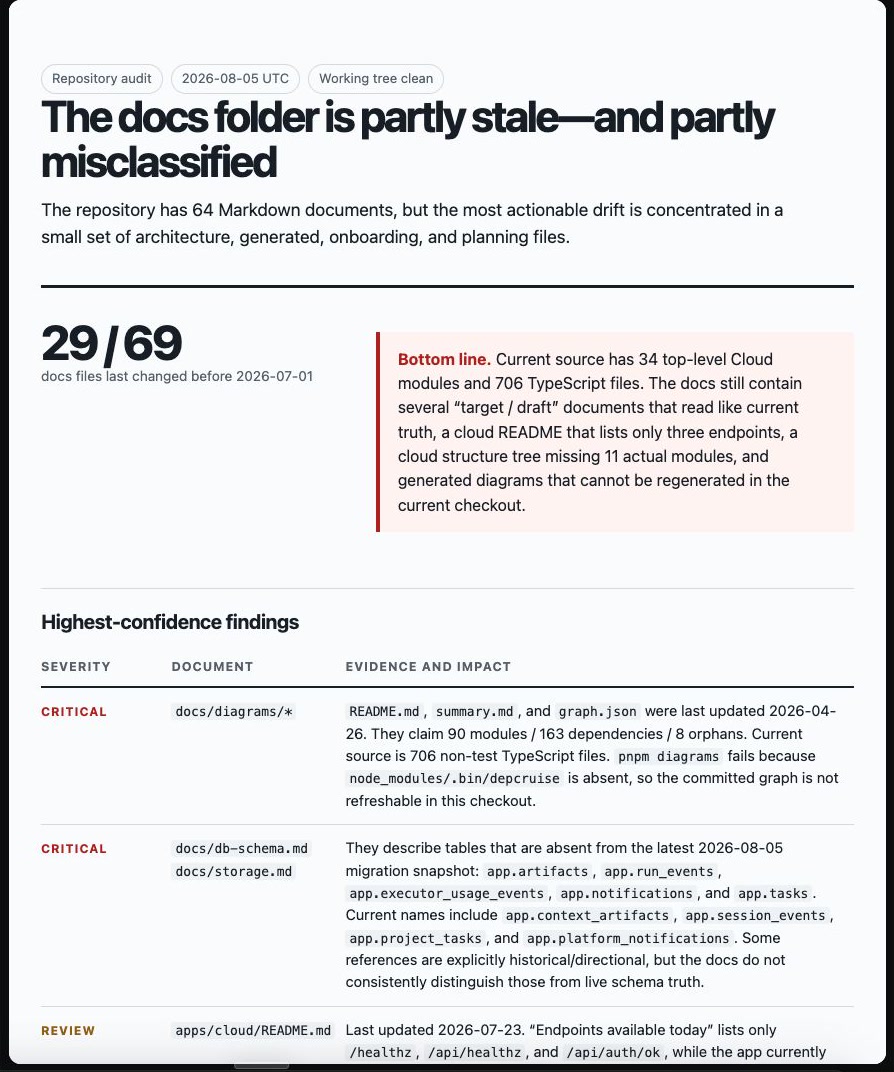
Section titled “What artifacts can look like”The same format can be used for very different kinds of work. For example, an agent can turn a product idea into a visual design proposal or turn a repository review into a structured plan.
Different kinds of artifacts
Section titled “Different kinds of artifacts”Dexto supports several kinds of artifacts:
| Type | What it is for | Examples |
|---|---|---|
| Document | Polished long-form information | Reports, briefs, explainers, and PRDs |
| Plan | Organizing work and decisions | Roadmaps, timelines, and execution plans |
| Mockup | Showing a visual product or interface idea | Website and product designs |
| Prototype | Demonstrating an interactive experience | Clickable product concepts and workflows |
| Slide deck | Presenting a narrative | Presentations and pitches |
| Visualization | Making data or relationships easier to see | Charts, diagrams, dashboards, and data stories |
The Artifacts App
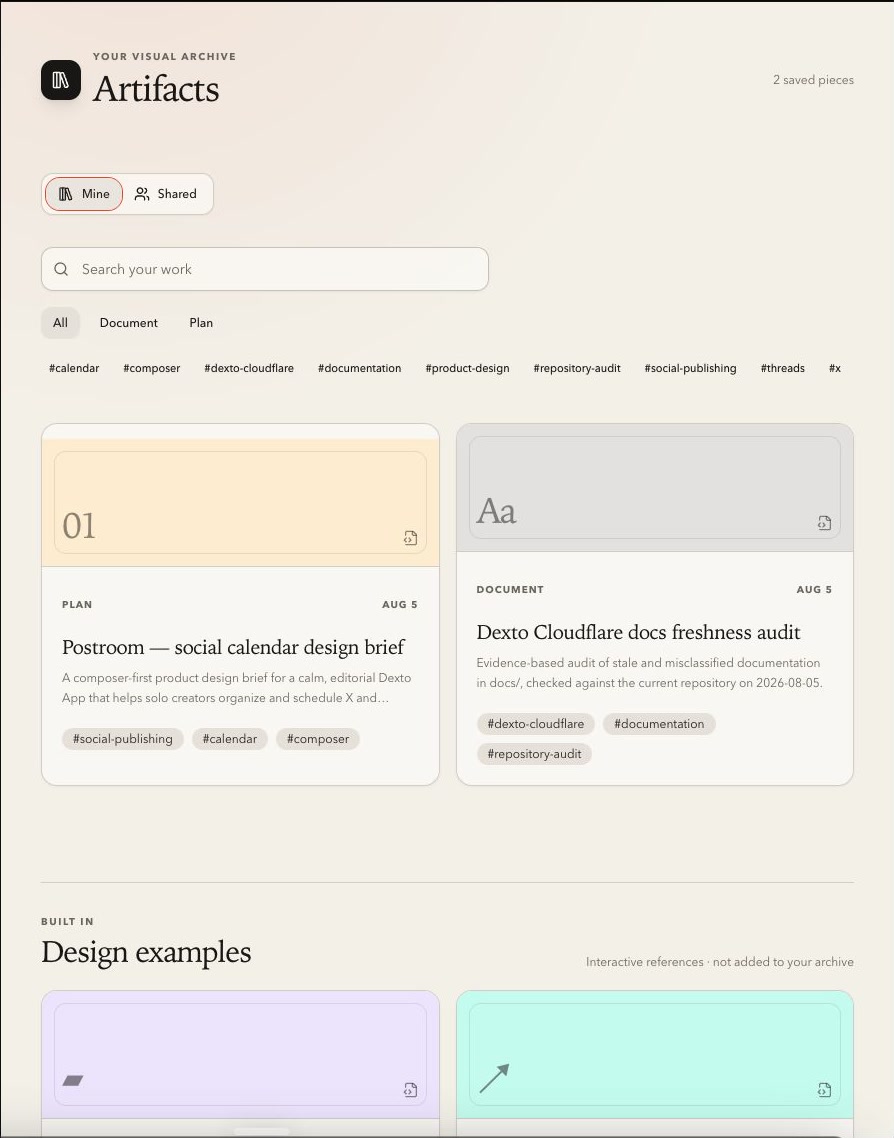
Section titled “The Artifacts App”The Artifacts app is where your saved artifacts live. It brings work created across different chats into one place, so you can find and return to it later.
In the Artifacts app, you can:
- Browse, search, and filter your saved artifacts
- Open an artifact in a focused viewer
- Review and interact with the finished work
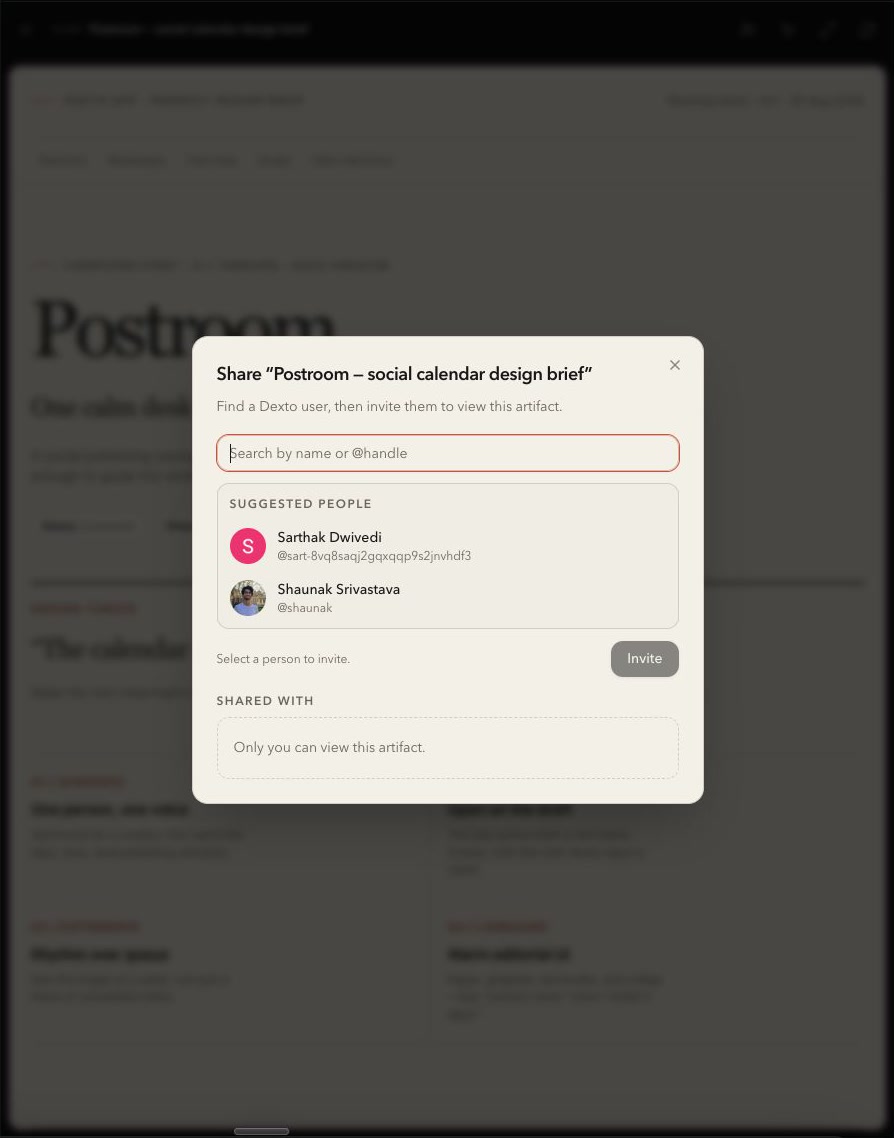
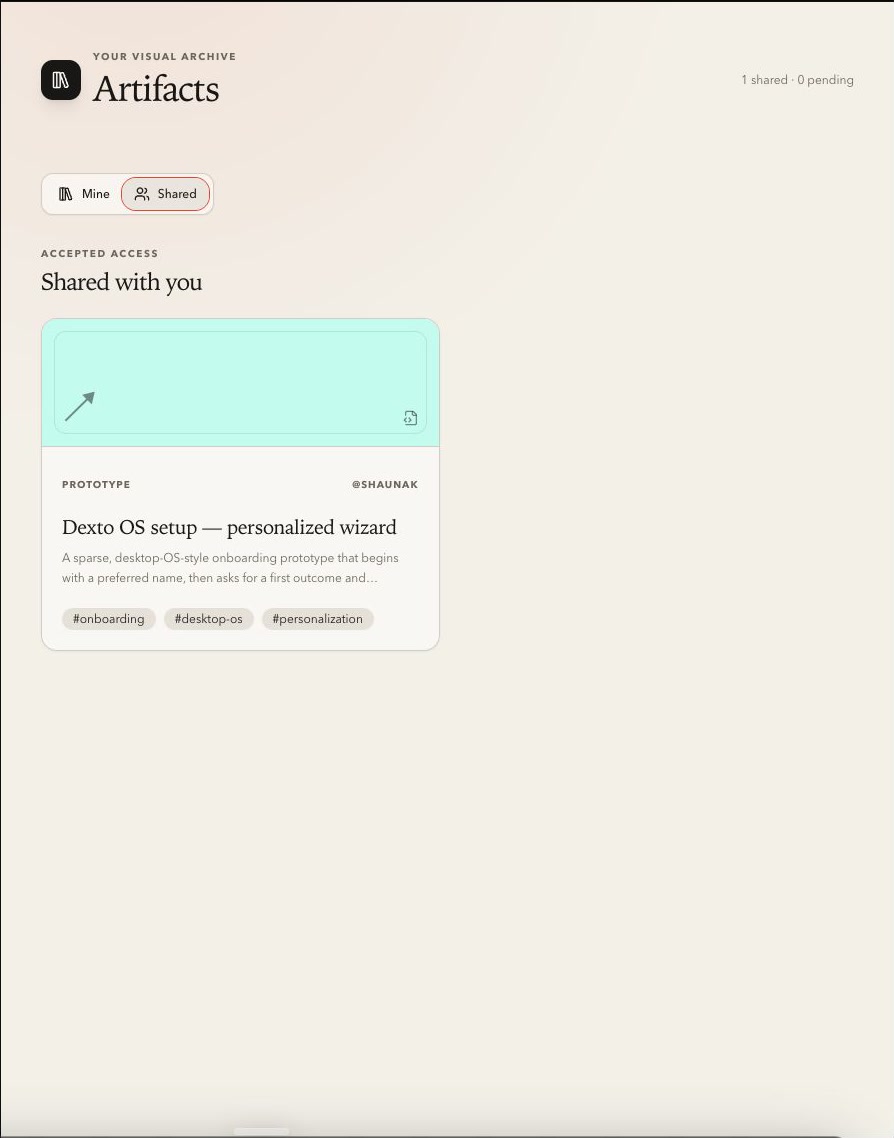
- Share an artifact with another Dexto user
- Select an element and ask the agent to change it